
You can track all the internal stages of a playbook’s execution from Execution Tracking, from activation to completion.
Note
Execution Tracking is disabled by default. Contact LogPoint Support to enable it.
There are two ways to track playbook execution:
Track incidents from SIEM: Track the execution of playbooks LogPoint-based incidents automatically generate. To do this, enter the incident ID and click Get Tracking Info.
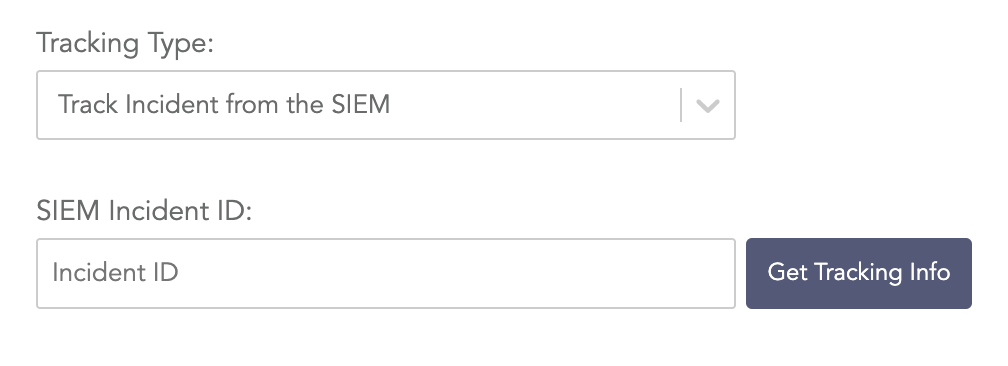
Track incidents from SIEM
Track manual playbook execution: Track manually triggered playbooks. To do this, select a playbook from the list.
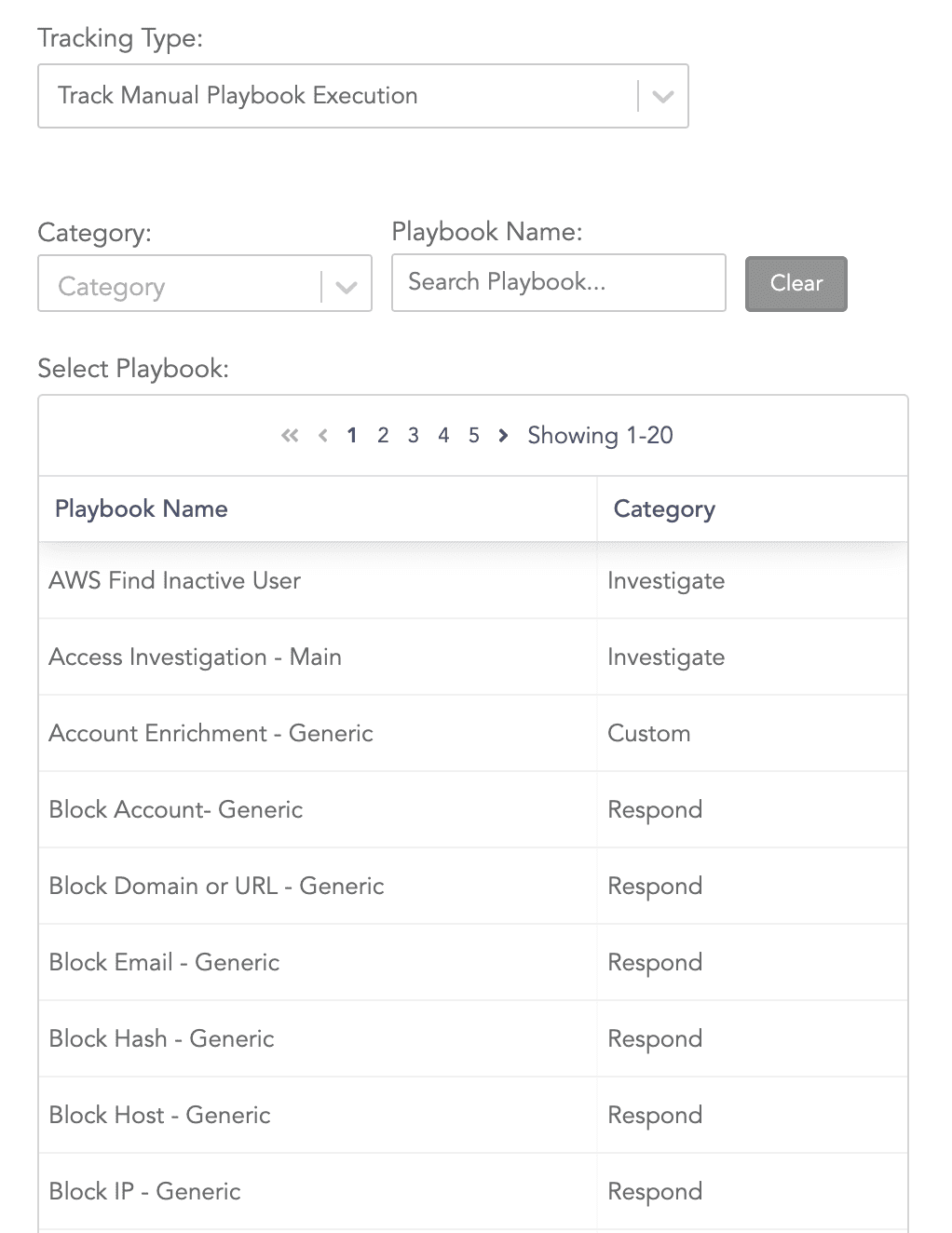
Track manual playbook execution